How AI Tools Are Changing Video Content Creation in 2026
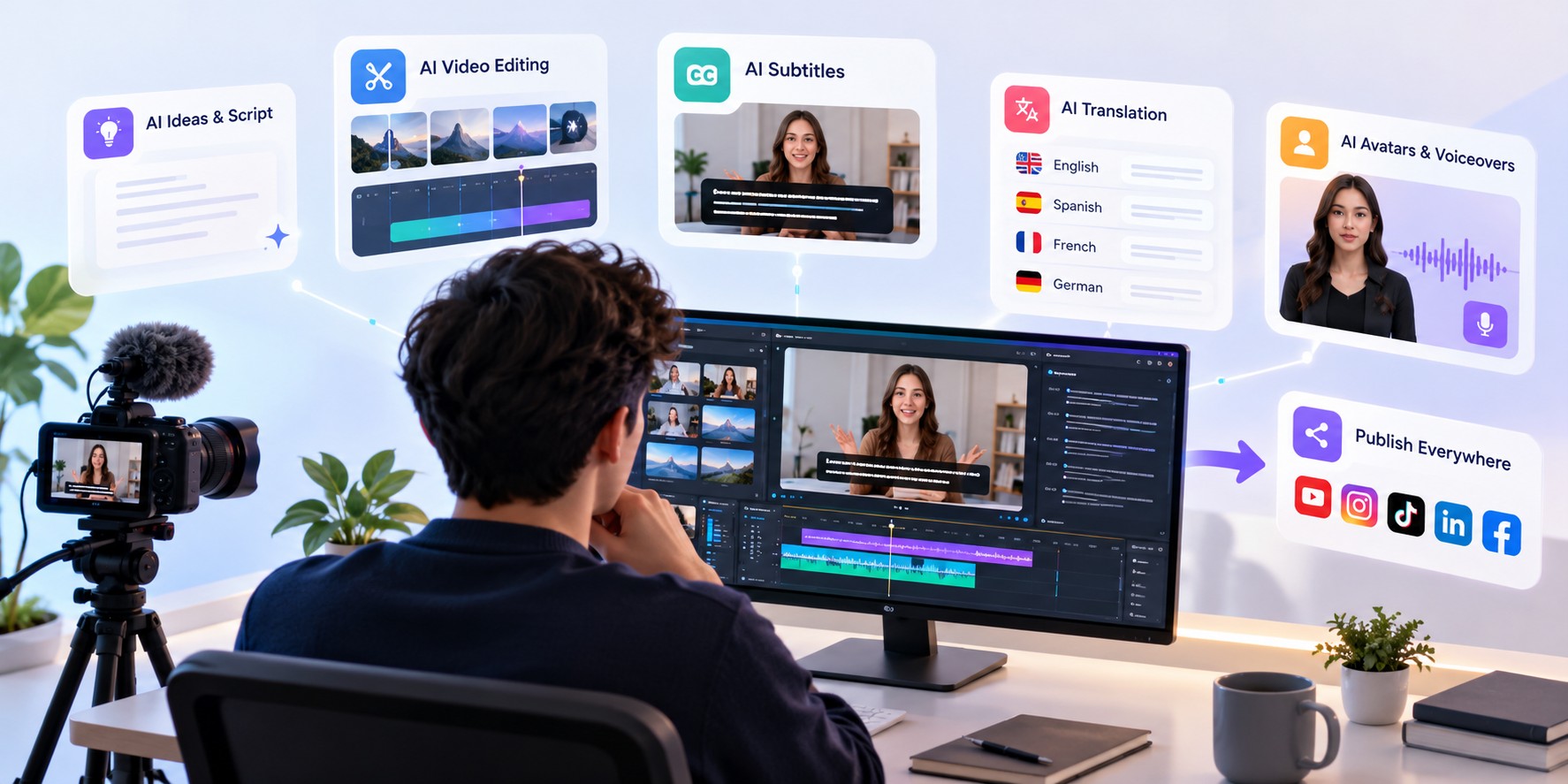
Smarter tools, faster workflows, better videos.
Creating video content in 2026 is different from what it was just a few years ago. Creators can now use artificial intelligence to plan ideas, generate visuals, edit videos, create voiceovers, and add subtitles without handling every task manually.
These tools are changing how YouTubers, social media creators, educators, and businesses produce video content. Work that once required several tools and hours of editing can often be completed faster with the right combination of AI solutions.
But AI is not just about saving time. It also gives creators more ways to experiment, reach new audiences, and produce content consistently. In this guide, we’ll look at how AI is changing video creation in 2026 and how you can use it in your own workflow.
1. AI Is Making Video Creation Easier
Video production used to involve several steps, including planning, recording, editing, adding captions, and preparing the final video for different platforms. Each step required time, and some tasks needed specialized software or skills.
AI tools are helping simplify parts of this process. Depending on the tool, creators can generate ideas, turn scripts into videos, remove unwanted sections, improve audio, and prepare content for different formats.
This is especially useful for people who create videos regularly but do not have a dedicated production team. Small businesses, independent creators, and marketing teams can handle more work without making their workflow unnecessarily complicated.
AI does not eliminate the need for creative decisions. It simply helps creators spend less time on repetitive tasks and more time improving the final result.
2. AI Is Changing Video Editing
Editing is one of the areas where AI can make a noticeable difference. Traditional editing often involves reviewing footage, finding useful sections, trimming clips, adjusting audio, and arranging everything on a timeline.
Some modern editing tools can assist with tasks such as identifying pauses, creating rough cuts, generating transcripts, and removing background noise. Certain tools can also help resize videos for different platforms or suggest edits based on the content.
These features can be helpful when working with interviews, tutorials, podcasts, product demonstrations, and other videos that require regular editing.
However, automatic editing still needs human review. AI may miss an important moment, misunderstand the meaning of a scene, or make editing choices that do not match your style. Reviewing the final video remains an important part of the process.
3. AI Subtitles Are Making Videos More Accessible
Subtitles are an important part of video content. Many people watch videos in places where they cannot turn on the sound, while viewers who are deaf or hard of hearing may rely on captions to understand spoken content.
Creating subtitles manually can take time, particularly when a video contains long conversations or technical terms. AI subtitle generators help by converting speech into text and matching that text with the relevant parts of the video.
With CutCap.ai, creators can simplify subtitle creation and spend less time typing captions manually. You can explore our subtitle creation features to learn more about making captioning part of your video workflow.
AI-generated subtitles should still be checked before publishing. Names, accents, background noise, and specialized vocabulary can lead to mistakes. A quick review can help ensure that the captions accurately represent what the speaker says.
4. AI Is Helping Creators Reach Global Audiences
The internet makes it possible for a video to reach viewers in different countries, but language can still be a barrier. Someone who enjoys your content may not understand the language spoken in the original video.
AI translation tools can help creators prepare translated scripts, subtitles, and, in some cases, voiceovers. This makes it easier to adapt existing content for audiences who speak different languages.
For example, an educator could translate subtitles for an online lesson, while a business could make product videos easier to understand for customers in different markets.
Translation is not always perfect, though. Expressions, cultural references, and industry-specific terms may require human correction. Before publishing translated content, check that the meaning remains accurate and natural.
5. AI Avatars and Voiceovers Are Creating New Options
Not every creator wants to appear on camera. Some people feel uncomfortable recording themselves, while others need to produce videos without arranging a filming session every time.
AI avatar tools can provide an alternative by creating digital presenters for certain types of content. AI voiceover tools can also generate narration from written scripts, depending on the platform and its available features.
These options can be useful for training videos, product explainers, educational material, and presentations. They may also help teams produce consistent content when recording a new video for every update is impractical.
One example is Scro.io, which focuses on AI influencer creation. Tools in this category give creators another way to explore digital presenters and AI-assisted content formats.
Even with these options, the script, delivery, and overall message still matter. Review generated content carefully, respect consent and likeness rights, and be transparent with viewers when disclosure is appropriate.
6. AI Is Helping Creators Work More Consistently
Publishing videos regularly can be challenging. Creators need to develop ideas, prepare content, edit footage, write descriptions, and publish across different channels. When every task is handled manually, maintaining a consistent schedule becomes difficult.
AI tools can help reduce some of this workload. A creator might use AI to brainstorm video topics, prepare an initial script, generate subtitles, and create short clips from a longer recording. Each tool handles a different part of the process.
The key is to choose tools that solve real problems rather than adding more steps. You do not need an AI tool for every task. Start with the part of your workflow that takes the most time, then decide whether automation would genuinely help.
7. Human Creativity Still Matters
Although AI can help with many production tasks, it cannot guarantee that a video will be interesting, useful, or successful. A technically polished video may still fail to connect with its intended audience if the idea is weak or the message is unclear.
Human judgment remains important when choosing topics, telling stories, checking facts, understanding audience needs, and deciding what belongs in the final edit.
AI-generated content can also contain inaccurate information, awkward wording, or visuals that do not match the intended message. Reviewing the output before publishing helps protect quality and trust.
The best approach is to treat AI as an assistant rather than a replacement for creative thinking. Use it to speed up routine work while keeping control of the decisions that shape your content.
How to Start Using AI in Your Video Workflow
You do not need to change your entire production process overnight. Start with a few practical steps:
- Identify repetitive tasks: Find the parts of video production that take the most time, such as transcription, captioning, or preparing scripts.
- Choose tools for specific needs: Select tools that address those tasks instead of adopting several platforms with overlapping features.
- Review AI output: Check generated text, subtitles, audio, and visuals before using them in published content.
- Keep your style consistent: Make sure AI-assisted content matches your brand, tone, and audience expectations.
- Measure the results: Compare the time, effort, and quality involved before and after introducing a tool.
If subtitles are one of the time-consuming parts of your process, you can learn how CutCap.ai works and see how subtitle creation can fit into your existing workflow.
What Does the Future Hold for AI Video Creation?
AI video tools are continuing to develop, with new ways to assist with editing, content generation, transcription, translation, and production workflows. As these tools improve, creators may find it easier to adapt one piece of content for several audiences and platforms.
At the same time, content quality, originality, accuracy, and audience trust will remain important. As AI-generated material becomes more common, creators will need to focus on what makes their content valuable rather than simply producing more of it.
The most useful tools will be the ones that fit naturally into a creator's workflow and solve genuine problems. There is no single AI platform that is best for every task, so choosing tools based on your goals is more practical than following every new trend.
Final Thoughts
AI is changing video content creation by helping people handle tasks such as editing, subtitles, translation, voiceovers, and content planning more efficiently. These tools can reduce repetitive work and make video production more accessible to individuals and businesses.
Still, good content depends on more than technology. Clear ideas, accurate information, thoughtful editing, and an understanding of your audience remain essential.
If you regularly publish videos, start by improving one part of your workflow. For example, using CutCap.ai to create subtitles can help you spend less time preparing captions and more time focusing on your content. With the right balance of AI assistance and human creativity, you can build a video production process that works better for you.